

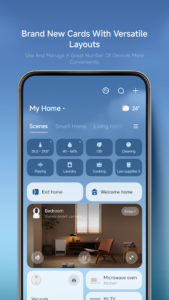
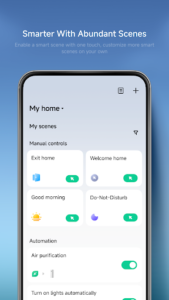
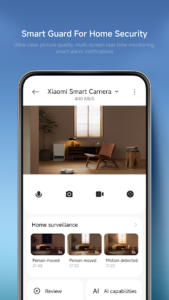
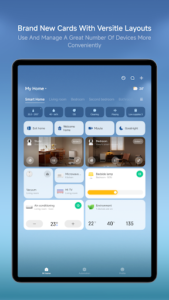
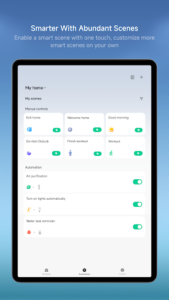
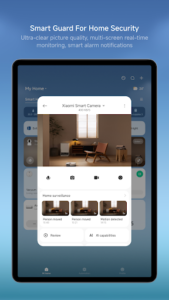
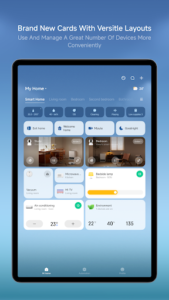
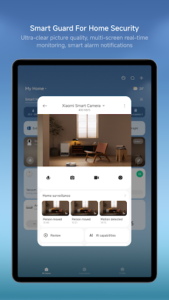
Xiaomi Home is an app designed to help users manage their intelligent devices from a centralized platform. It allows you to add new compatible devices through a streamlined process, control them remotely from anywhere, and receive real-time status updates. A key capability is the ability to set up and perform intelligent tasks, enabling automated routines for your smart home ecosystem. The app also supports sharing device control with friends and family, enhancing collaborative device management.
Remote Device Management and Real-time Monitoring
The app provides comprehensive control over your connected smart devices, allowing you to manage them regardless of your physical location. You can view the current status of your devices in real time, ensuring you are always informed about their operation. This functionality extends to adding new devices to your ecosystem, which the app facilitates with a straightforward setup process.
Intelligent Task Automation
Users can leverage Xiaomi Home to set up and execute intelligent tasks. This feature enables the creation of automated routines for your devices, such as scheduling lights to adjust brightness and color temperature at specific times or automating scene changes based on predefined conditions.
Device Sharing Capabilities
The app supports sharing control of your intelligent devices with others. This allows friends and family members to manage selected devices, fostering a collaborative smart home environment.
Integrated Device Support
Xiaomi Home integrates with a range of intelligent devices, offering specific functionalities for each type. For cameras, it provides a live view, enables quick snapshots and video clips, and offers easy access to recent events and history playback. For printers, the app includes printing-oriented templates and workflows, along with built-in media selection and pre-checks to ensure printing requirements are met. It also supports richer creation flows, such as collage-style layouts and mixed media selection. For lights, the app allows remote on/off control, adjustment of brightness and color temperature, scene automation, and scheduling.
Permissions and Their Purpose
The app may request certain access permissions to enable its full range of features. For instance, Local Network access is used to discover and set up compatible devices on your local network, supporting device configuration and direct connections. Bluetooth is requested to scan, discover, connect to, and control Bluetooth-enabled devices for pairing and firmware updates. The Camera permission facilitates scanning QR codes for device setup and login, as well as handling feedback, floor plan uploads, and specific camera features. Microphone access supports video intercom on smart devices and allows for the capture of audio for voice commands. Location is used to identify your region for localized environmental information, scan Wi-Fi networks, and record exercise routes with improved accuracy. Photos access enables selecting and uploading local photos or videos for feedback, floor plans, or plugin and camera features. Notifications are used to provide timely updates regarding device status and other relevant information. Additionally, the app supports the synchronization, pairing, and control of HomeKit devices within the Xiaomi Home environment.















Write a review